Guest passes
Give a guest a pass from your phone, share it, and cancel it if plans change. (Only if your property lets residents give passes.)
- Give a guest a pass
- Let your guest know
- Change of plans
- Someone who comes every week
- Out of passes this month?
Give a guest a pass
- On your page, under New guest pass, type your guest's plate and pick the State.
- Add the car's Make and Color if you know them. It helps whoever checks the lot.
- Pick How long: a few hours, until midnight, a day, or longer, as your property allows.
- Choose Create pass.
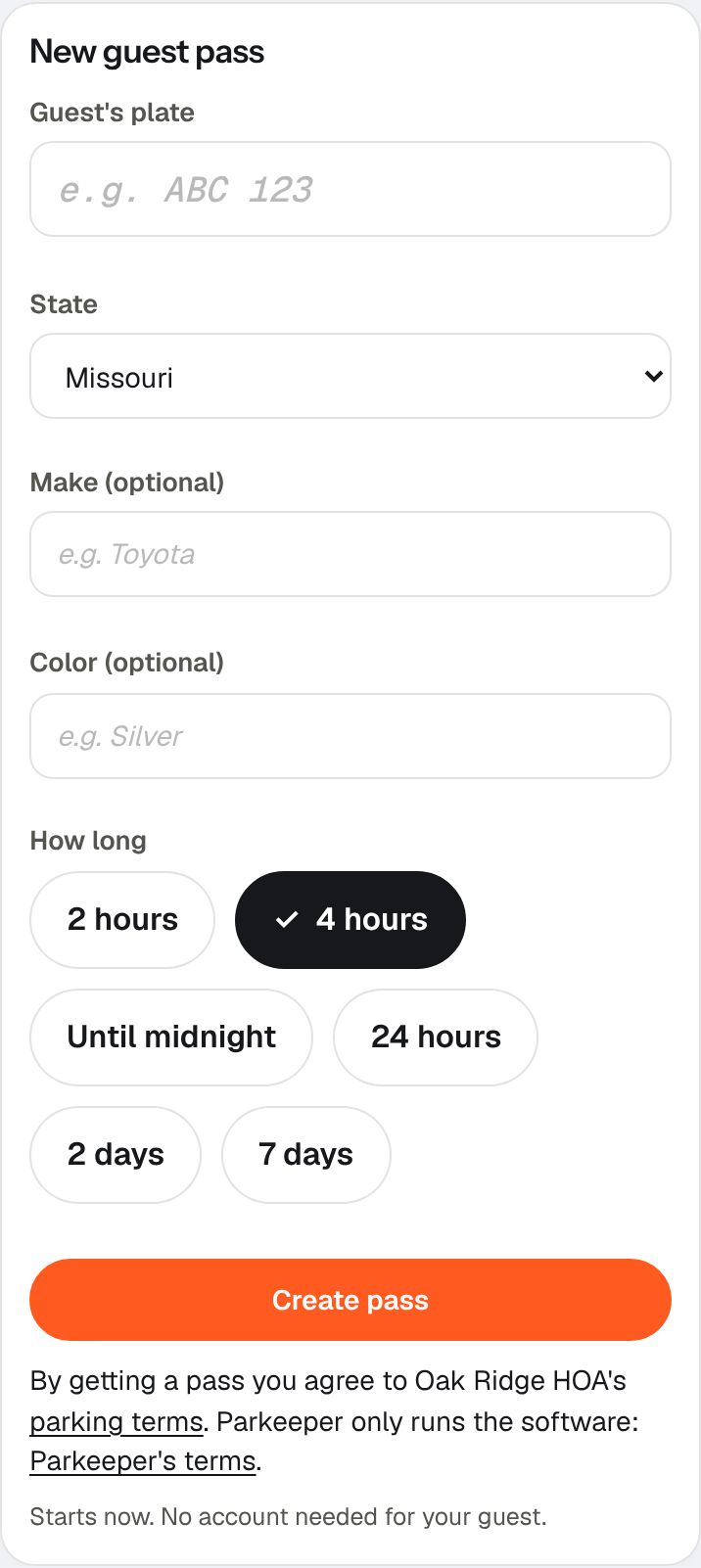
The top of your page shows how many passes your household has left this month. Your guest's plate is the pass: there is nothing to print or hang on the mirror.
Let your guest know
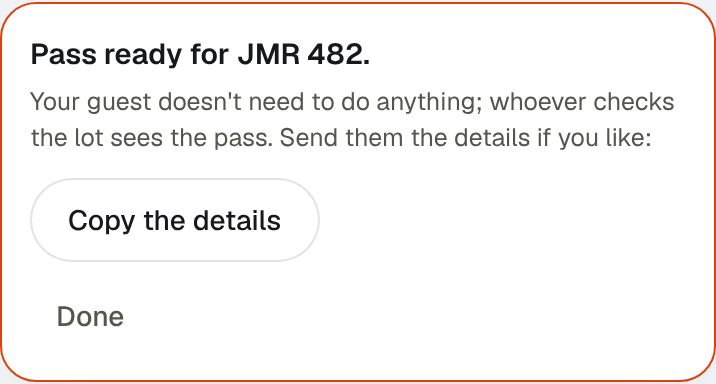
Your guest doesn't need to do anything: whoever checks the lot sees the pass. To let them know, choose Share with my guest (on most phones) to send it by text or any app, or Copy the details to paste them yourself.
Change of plans
Under Your passes, choose Cancel pass. If your guest is staying longer, give them a new pass.
Someone who comes every week
For a caregiver, a cleaner, or family who visit on a schedule, set up a recurring pass once instead of a new pass each time.
- Open Someone who comes on a schedule? Set up a recurring pass.
- Say who it's for, their plate and state, the days and hours, and the first and last day.
- Choose Set up recurring pass. Stop ends it.
Out of passes this month?
Your property sets how many passes each household gets a month. Some properties let you buy an extra pass past the limit; if yours does, your page offers it with the price. Passes may also be paused on certain days, like a big event; your page says so.